Steve Weisman is a lawyer, college professor, author, and one of the country’s leading experts in cybersecurity, identity theft, and scams. See Steve’s other Con Watch articles.
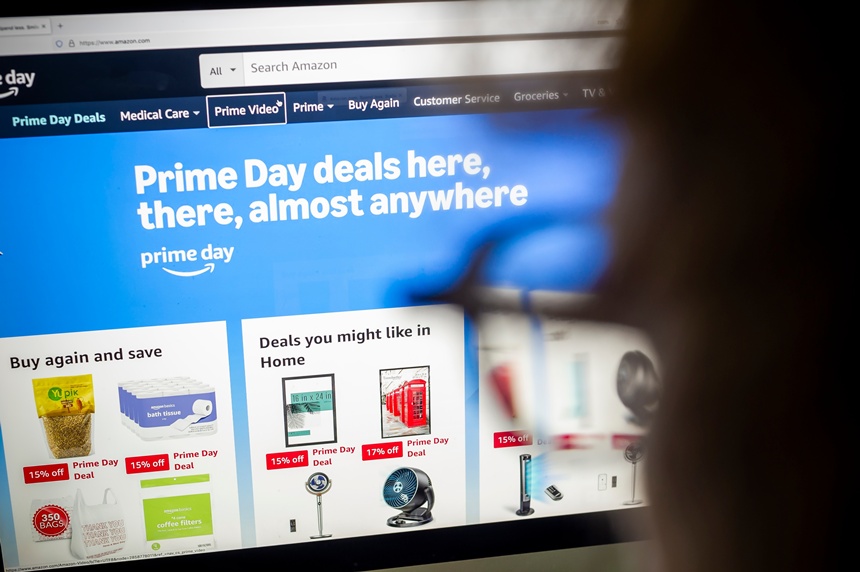
Each year, Amazon Prime Day is a much-anticipated event featuring substantial sales on a wide variety of items available solely to Amazon Prime members. Although it is called Amazon Prime Day, it actually goes on for multiple days twice a year. The next one is June 23-26. As with anything that appeals to the public, Amazon Prime Day also attracts great interest from scammers who are eager to take advantage of you.
Posing as Amazon, scammers will send phishing emails and text messages attempting to lure you into providing account information, making a payment under some pretext, or clicking on a link that will download dangerous malware. Some of the ruses the scammers use include telling you that your account has expired or asking you to confirm a recent order.
These messages are getting harder to spot because AI can make them appear entirely legitimate. Phone calls coming from a foreign country can be “spoofed” to appear as if the call is coming from Amazon, and a scammer can use AI voice cloning to appear to speak perfect English without a foreign accent.
You can check the email address to make sure that it is coming from @amazon.com, but the simplest way to confirm whether a communication from Amazon is legitimate is to go to your Amazon account directly where you will be able to confirm anything related to your account.
AI has also made it easy for scammers to create believable Amazon websites. As with emails, the URL should also end with “Amazon.com.” You can check if you’re on the real Amazon website by going to Whois, where you can type in the domain name and learn who actually owns it. If your Amazon website appears to be owned by someone in Nigeria, for example, you know you have a problem.
Much malware, including ransomware, comes as links in emails or text messages, tainted attachments, or an embedded QR code. QR codes are particularly problematic because while your security software may be able to recognize a scam email or text message, it will generally miss malware tied to QR codes. You should never click on links, download attachments, or scan QR codes unless you have verified that the communication is legitimate. You also should never provide personal information.
If you suspect Amazon related fraud, call Amazon’s unauthorized transaction number at 866-216-1075 or general customer service at 888-280-4331. Never call the numbers that appear in phishing emails.
As always, it is a good idea to set up dual factor authentication for your Amazon account so that even in the event that you are tricked into providing your username and password, no one will be able to access your account.
Also, do not use your debit card for anything other than ATM withdrawals. A credit card offers more protection from fraudulent purchases than a debit card does. If you do not promptly report misuse of your debit card, you could potentially lose the entire bank account tied to your debit card, while the maximum liability for misuse of your credit card is only $50.
Become a Saturday Evening Post member and enjoy unlimited access. Subscribe now